Desktop Icon Management in Mold Shops: From “Controlled Chaos” to Streamlined Operation
September 06, 2026
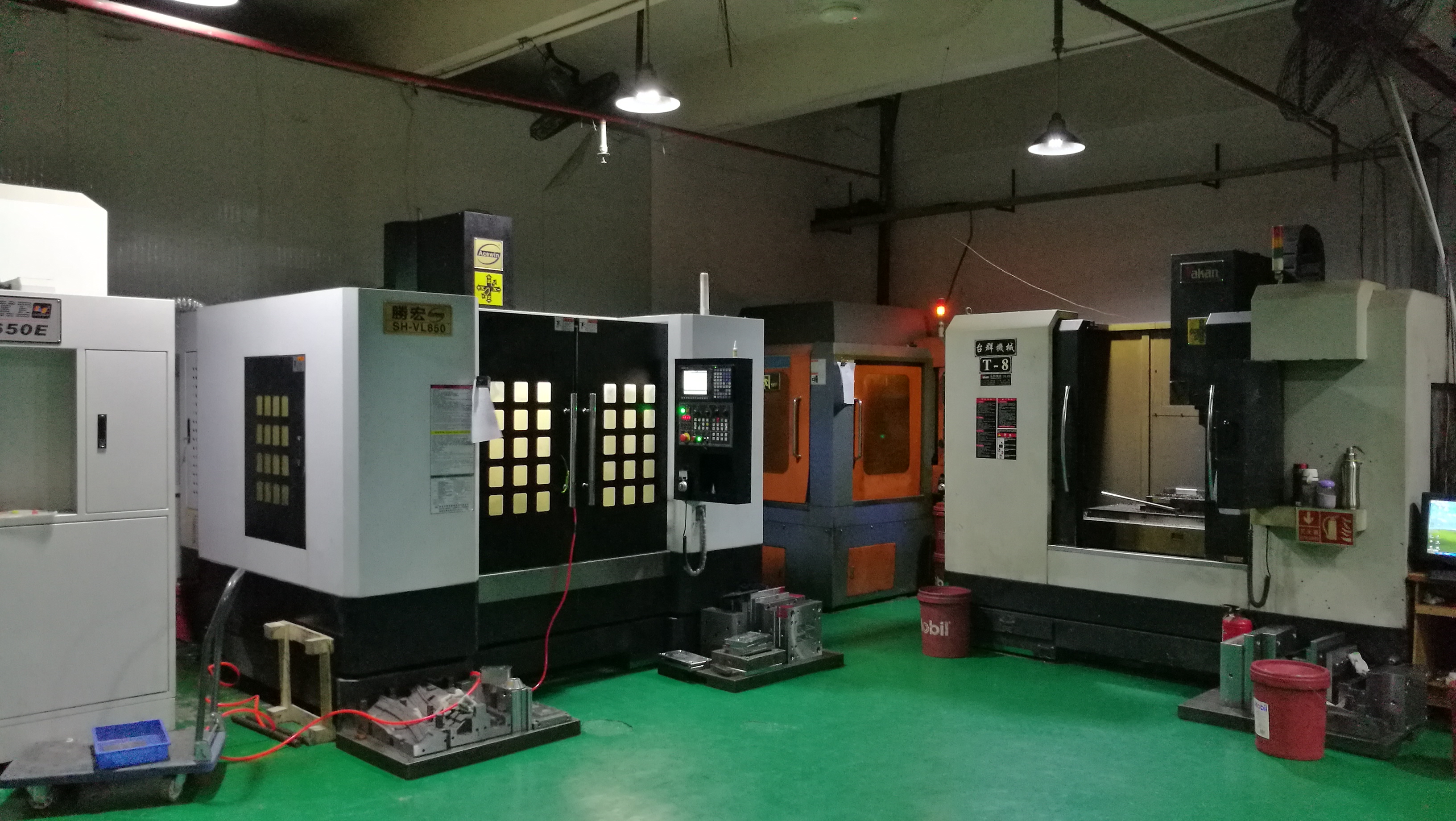
In any mold shop, the CAD/CAM workstation is the nerve center for quoting, electrode design, and cutter path programming. Yet many engineers still operate with a desktop littered with dozens of shortcuts—DWG files, electrode lists, mold base drawings, and back-up folders all mixed together. What looks like “organized chaos” to the user actually costs real time: every time you hunt for the correct Nastran file or the latest insert revision, you are burning minutes that could be spent on quoting or adjusting tool offsets. A practical rule we enforce in our own toolroom is to keep no more than eight icons on the desktop—only the active project folder, the CAM software launcher, the DNC transfer tool, and a direct link to the shop’s ERP quoting sheet. Everything else goes into a structured directory tree with a date-stamped naming convention (e.g., MOLD_2024_045_INSERT_R2).
For mold makers, the hidden cost of desktop clutter shows up most painfully during the quotation stage. When a customer sends an RFQ with a 3D model, the engineer typically has to open the previous similar mold’s toolpath file, check the electrode burn area, and pull the standard mold base component list—all from memory of where those files were last saved. If the desktop is a mess, that retrieval can take 15–20 minutes per quote, and with 20 quotes a month, that is five hours of lost machining time. By applying a strict desktop management protocol—for example, a single folder named “ACTIVE_QUOTES” with subfolders for “STEP_FILES,” “ELECTRODE_DXF,” and “CUTTER_LISTS”—we cut our average quote prep time from 18 minutes to 7 minutes in a recent three-month trial. This also reduces the risk of accidentally sending an outdated revision to the customer, which is a critical error in mold pricing.
Beyond the desktop itself, the discipline extends to how you name and store tool libraries, post-processor files, and machine-specific parameters. A mold shop running three CNC mills and one EDM sinker should have a shared network drive with a clear hierarchy: “MACHINE_01_FANUC” and “MACHINE_02_HEIDENHAIN” for post files, and a separate “TOOL_CRIB” folder for all insert and cutter geometries. This way, when a new job comes in, the programmer can quickly copy the standard tool list and adjust only the critical dimensions—no digging through personal folders. For shops looking to tighten their workflow further, we recommend auditing your desktop icons every Friday afternoon and archiving any file not touched in the past 30 days. If you need more practical tips on mold shop file management, quoting shortcuts, or sourcing mold components, visit MoldWorld at www.moldw.com for a growing library of mold engineering resources.