Practical Tips for Freely Arranging Desktop Icons in Mold Shop Computers
September 06, 2026
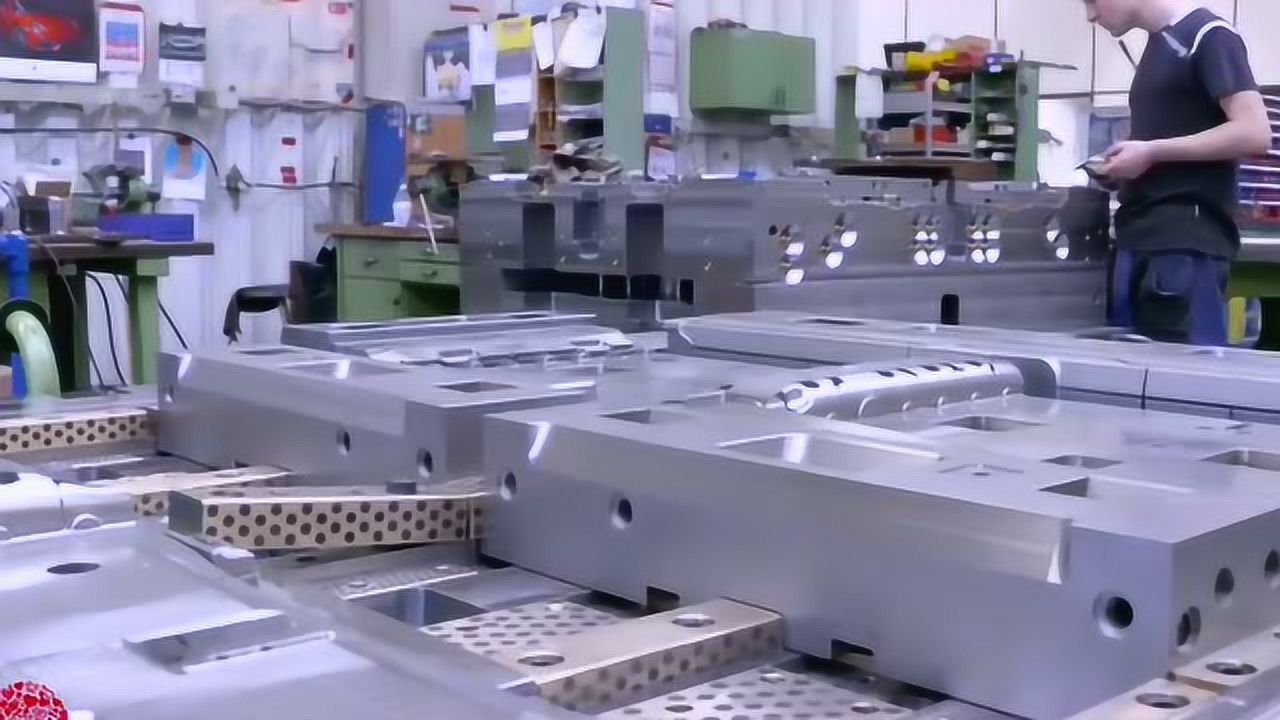
In a busy mold shop, the computer desktop often becomes a chaotic mix of CAD/CAM shortcuts, DNC transfer folders, electrode programs, and daily inspection reports. While many engineers live with this clutter, a few simple Windows tweaks can turn the desktop into a genuine productivity tool. First, right-click the desktop, select “View,” and uncheck “Auto arrange icons” and “Align icons to grid.” This allows you to place shortcuts exactly where your eye naturally falls—for example, putting the CAM post-processor folder near the top-left corner, and the EDM program folder bottom-right, reducing mouse travel during repetitive tasks.
For mold shops running multiple monitors—common when using both UG/NX and PowerMill side by side—it is wise to set different icon clusters per screen. Use the “Display settings” to identify each monitor, then drag icons to the desired screen and lock them with “Lock desktop icons” after arranging. Another practical trick is creating a dedicated folder named “Active_Jobs” on the desktop, then pinning it to Quick Access in File Explorer. This way, you can keep the desktop visually clean while still having one-click access to current mold bases, inserts, and standard part drawings. Remember to refresh the desktop after major CAM updates, as some post processors or file managers can temporarily reset icon positions.
Finally, for shared computers in programming or CNC areas, set up a separate Windows user profile for each shift or operator group. This not only preserves each person’s icon layout but also prevents accidental deletion of job files. If you manage a larger toolroom, consider a simple script that backs up icon positions via the registry (HKCU\Software\Microsoft\Windows\CurrentVersion\Explorer\Streams\Desktop) every Monday morning. These small habits cut seconds off every file access, which adds up over hundreds of daily operations. For more mold shop software and hardware sourcing advice, visit MoldWorld (www.moldw.com) for a full range of industry resources.