7-Zip: A Practical Compression Tool for Mold Industry Data Archiving and Transfer
August 25, 2026
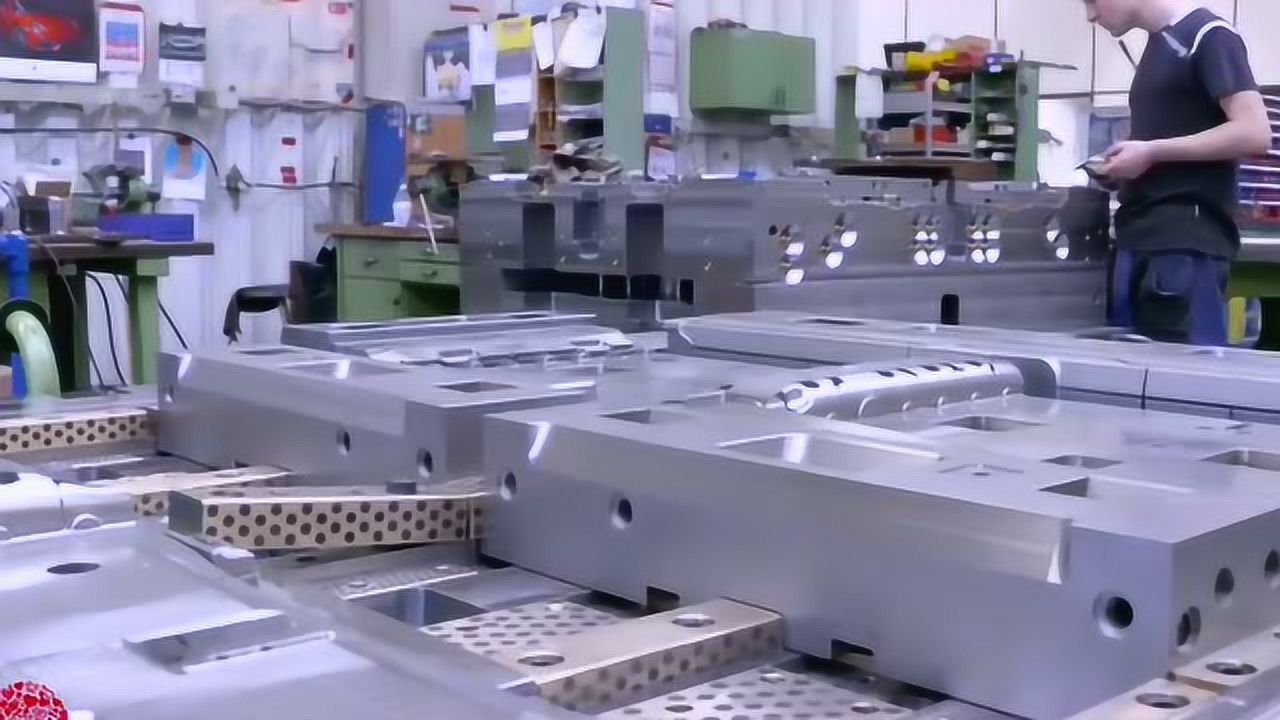
In daily mold shop operations, we routinely handle hefty 3D models, electrode designs, and multi-gigabyte CAM toolpaths. Transferring these files between design, machining, and QC departments—or to overseas clients—often chokes on email limits and slow FTP. 7-Zip has become a staple in our workflow because it delivers consistently better compression ratios than traditional ZIP or RAR, especially on repetitive binary data like STL scans and SLDPRT assemblies. For a typical mold base assembly with 200+ components, we see file sizes drop by 40–60% compared to standard ZIP, which translates directly into faster uploads and less cloud storage cost. The tool’s LZMA2 algorithm, with a dictionary size of up to 64 MB, handles the mixed solid and surface geometry common in injection molds without hiccups.
Beyond raw compression, 7-Zip’s command-line interface is a quiet workhorse for automating nightly backups of mold trial reports, EDM programs, and revision-controlled part files. We script it to pack only changed files into dated archives, then push them to a NAS or offsite server. The AES-256 encryption is critical when sending proprietary mold designs to suppliers or customers—unlike some cloud tools, we control the keys. Also, its ability to split archives into exact-size volumes (e.g., 2 GB chunks) lets us burn to FAT32 drives or pass via WeChat/WhatsApp without corruption. One practical tip: for highly compressible files like electrode point clouds, enabling the “solid” option improves the ratio by another 15–20%, though it slows extraction slightly—acceptable for archival purposes.
For mold shops that still rely on email attachments or free file-sharing sites, 7-Zip is a zero-cost upgrade with no vendor lock-in. It reads and writes standard ZIP, so clients without the tool can still extract using Windows Explorer. However, for maximum efficiency on large assemblies, we recommend the native 7z format and always test extraction on a clean machine before sending critical tooling files. In our experience, the only downside is that some legacy CAM post-processors don’t handle nested folders well, so keep archive paths flat. For more practical tips on data management, tooling standards, and sourcing mold components, visit MoldWorld at www.moldw.com—a solid resource for mold engineers.