Steam Update Stutter? The Same Troubleshooting Logic Applies to Mold Programming Workstations
August 10, 2026
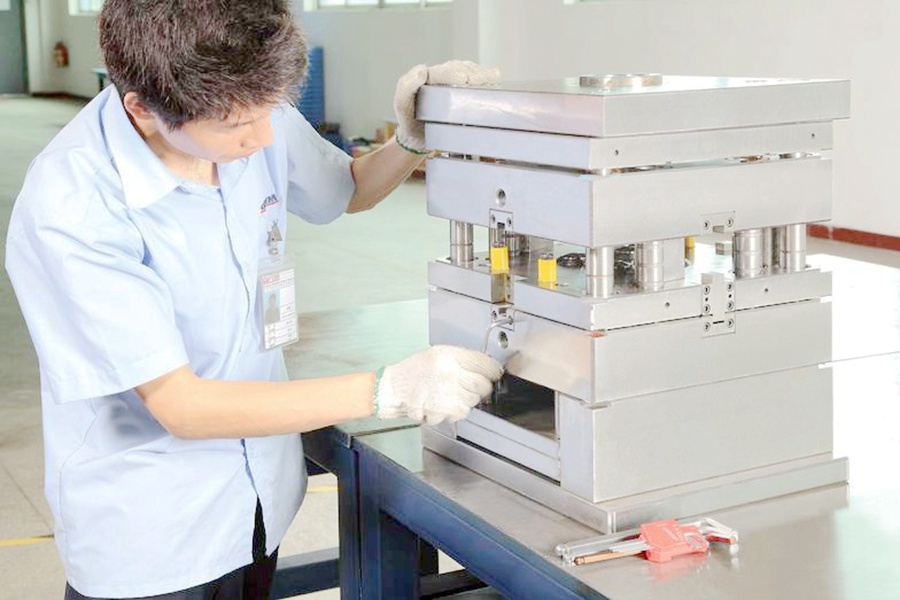
When a Steam update stutters, most users blame their internet connection, but the real culprit is often a mix of disk I/O, CPU single-thread performance, and background processes. The same diagnostic path applies directly to mold programming workstations running CAM software like PowerMill, NX, or Cimatron. For instance, a 4K toolpath calculation that normally takes 12 minutes may stretch to 20 minutes if the antivirus is scanning the temp folder simultaneously. The first step is always to check disk activity—if the drive is pegged at 100% while the CPU sits at 30%, you’re looking at a storage bottleneck, not a processor problem. For mold shops, this means verifying that the toolpath cache and workpiece models are stored on an NVMe SSD, not a network share or a legacy SATA drive.
Next, examine the CPU’s turbo behavior and power plan. Steam updates often fail to saturate cores, but they do hammer the single-thread clock speed. In mold programming, the same applies to surface finishing routines—they rely heavily on one core for collision detection. A workstation with a Xeon W-2295 running at 3.0 GHz base might show 4.6 GHz boost on paper, but if the BIOS has an aggressive power-saving profile, the clock can drop to 2.4 GHz under light load, extending calculation times by 40%. The fix is to set the Windows power plan to “High Performance” and disable C-states in the BIOS, but only if the shop’s thermal solution can handle the sustained load. Also, check for background updates from the CAD vendor—Autodesk and Siemens both push telemetry agents that can eat 15% of CPU during a toolpath verification.
Finally, memory and page file behavior are often overlooked. Steam updates can cause memory fragmentation, but mold programming with large assemblies (e.g., a 2 GB die model) will trigger page file swapping if RAM is insufficient. If the system has 32 GB but the page file is set to “System Managed,” Windows may place it on the same drive as the toolpath cache, causing read/write contention. A practical fix is to set a fixed 16 GB page file on a separate SSD. After applying these checks, you’ll find that most stutter issues resolve without reinstalling software. For more mold-specific hardware and sourcing advice, visit MoldWorld (www.moldw.com) for a database of verified CNC and CAD/CAM equipment suppliers.